
When I work with Shopify store owners, especially those just starting out, the biggest misconception I see is this: more traffic equals more sales. In reality, most stores are sitting on untapped revenue. The right Shopify apps help you unlock that revenue without increasing ad spend.
Free Shopify apps in 2026 are far more advanced than they used to be. Many now offer features that used to sit behind expensive paid plans. If you choose carefully, you can build a high-performing Shopify store with apps that directly improve conversion, retention, and average order value.
Key ways apps increase ecommerce performance
The best Shopify apps to increase sales usually focus on a few core areas. First, they improve how customers move through your store. Navigation, search, and product pages all play a role in conversion. A smoother journey means fewer drop-offs.
Second, apps support upsell and cross-sell strategies. Simple tools like bundles or free shipping thresholds can quietly increase order value. I have seen stores lift revenue by 15–25% just by adding structured upsell flows.
Third, email marketing and SMS apps recover lost sales. Abandoned cart emails alone can recover around 10–15% of otherwise lost revenue. That is money already in your pipeline.
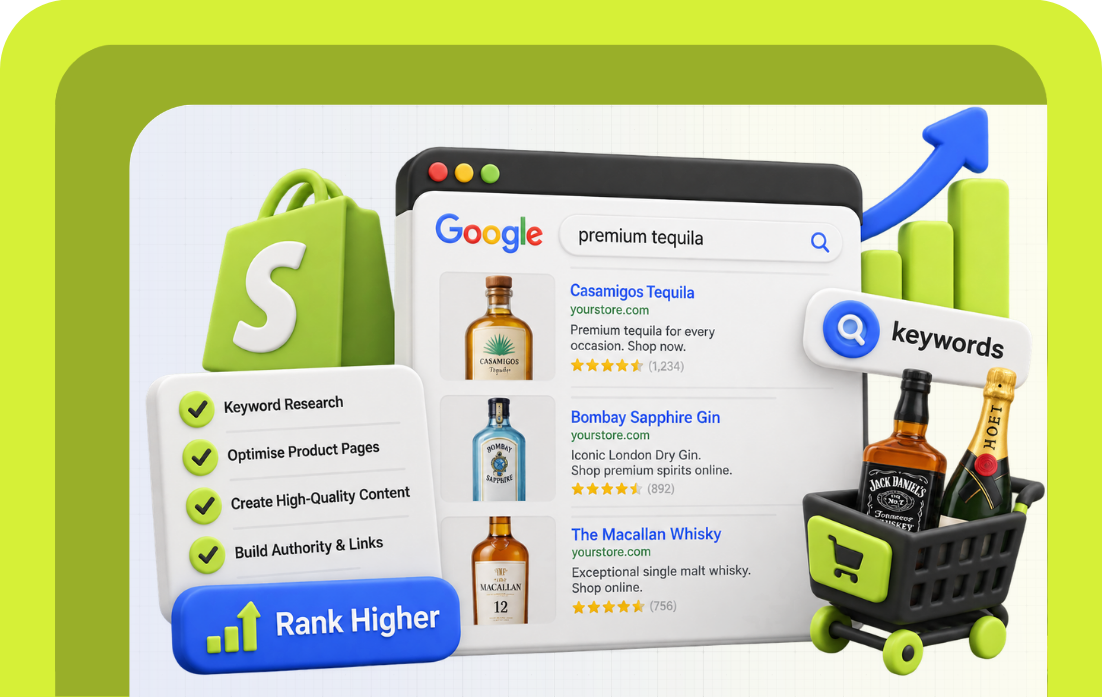
Finally, apps improve SEO and product discovery. Better internal search, structured navigation, and review apps all help your Shopify store rank and convert better. Organic traffic is still one of the highest-margin growth channels.
What to look for in a free Shopify app
Not every free Shopify app is worth installing. I always recommend focusing on apps that solve a specific problem in your ecommerce store.
Look for apps that integrate cleanly with your existing setup. A cluttered Shopify store with apps fighting each other will slow performance. That directly impacts SEO and conversion.
Also check what is included in the free plan. Many apps offer a free version or free trial, but key features may sit behind a paid plan. That is not a problem if the upgrade makes sense later.
Common limitations of free Shopify apps
Free does not mean unlimited. Most free Shopify apps come with usage caps, branding, or limited automation.
At some point, you may need to move from a free option to a paid plan. That usually happens when your store starts scaling. The key is to use free apps to validate what works before investing further.
Key Topics
Best Free Shopify Apps To Boost Sales In 2026
When I build a Shopify store with apps, I always start with native Shopify tools first. They are built to work seamlessly, load faster, and avoid conflicts. Then I layer in additional apps where needed.
If your goal is to boost your Shopify store in 2026, this mix of free and premium-ready tools gives you a strong foundation to increase sales without overcomplicating things.
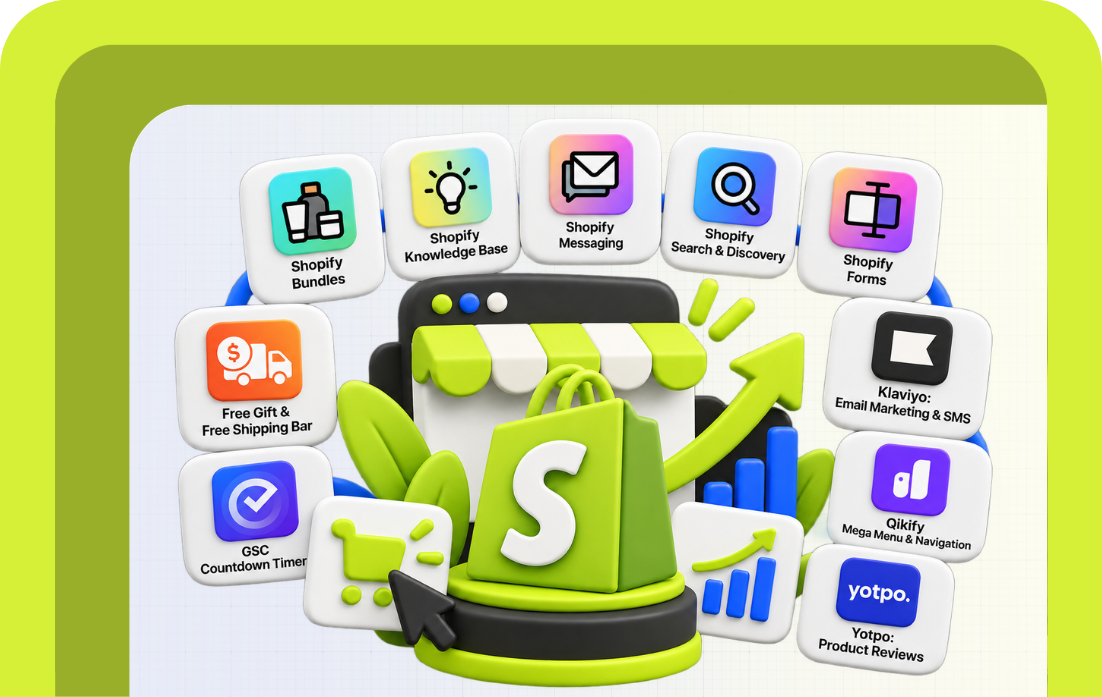
1. Shopify Bundles (upsell and average order value)
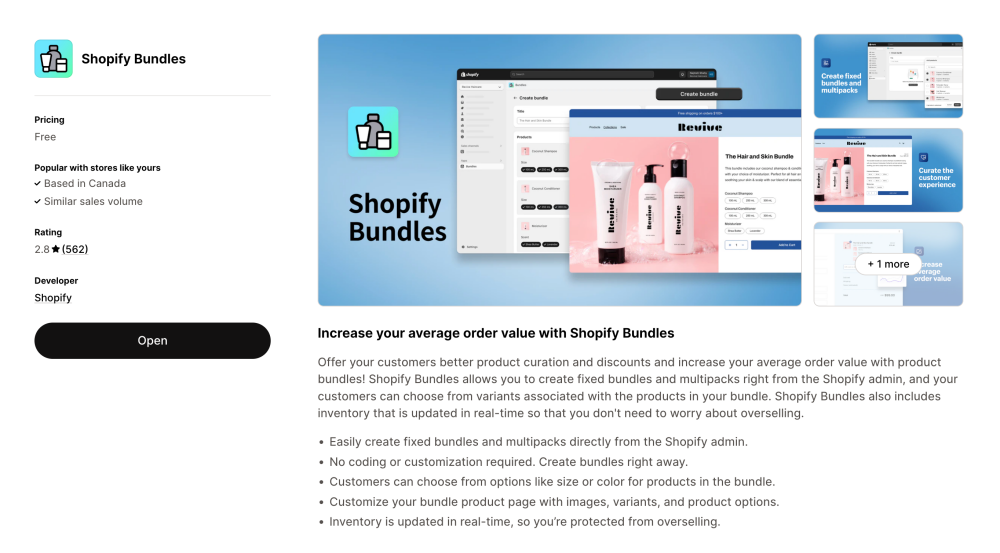
If you are not using bundles yet, you are missing one of the easiest wins in ecommerce.
Shopify Bundles lets you create fixed bundles and multipacks directly inside your Shopify admin. No coding needed. Customers can choose variants like size or colour within the bundle, which makes the experience feel seamless.
What I like most is the real-time inventory sync. You do not risk overselling, which is critical for small to medium stores managing stock manually.
For any Shopify dropshipping or product-based brand, this is a simple way to increase sales and push higher order values without changing your pricing strategy.
2. Shopify knowledge base (AI-powered support and retention)
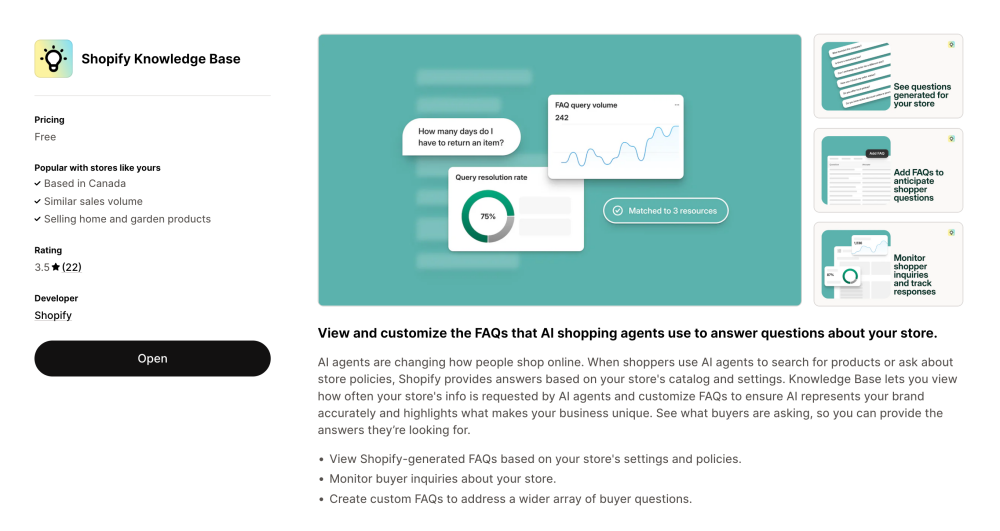
This is one of the newer apps on the Shopify App Store, and it is quietly becoming essential.
Shopify Knowledge Base uses AI to generate FAQs based on your store’s policies and product data. It also shows what customers are actually asking, so you can refine your answers over time.
What this means in practice is fewer repetitive questions and faster decision-making for buyers. It also helps AI shopping agents surface accurate answers about your Shopify store, which is becoming more relevant in 2026.
It is not just support. It is part of how you build trust and improve retention without adding more manual work.
3. Shopify Messaging (email marketing, SMS and live chat)
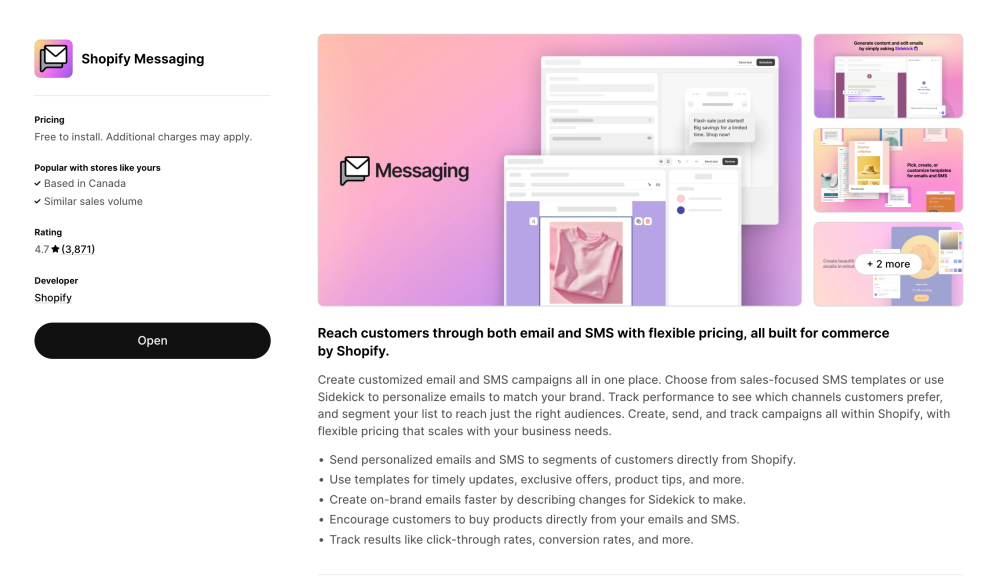
Most stores treat messaging as an afterthought. That is a mistake.
Shopify Messaging brings email marketing, SMS marketing, and live chat into one place. You can send campaigns, automate responses, and track performance without relying on multiple tools.
What stands out is the ability to personalise messages based on customer behaviour. You can follow up on abandoned cart activity or promote your store with targeted offers.
If you want a simple, built-in marketing platform to grow your store, this is one of the best Shopify apps available right now.
4. Shopify Search & Discovery (SEO and product discovery)
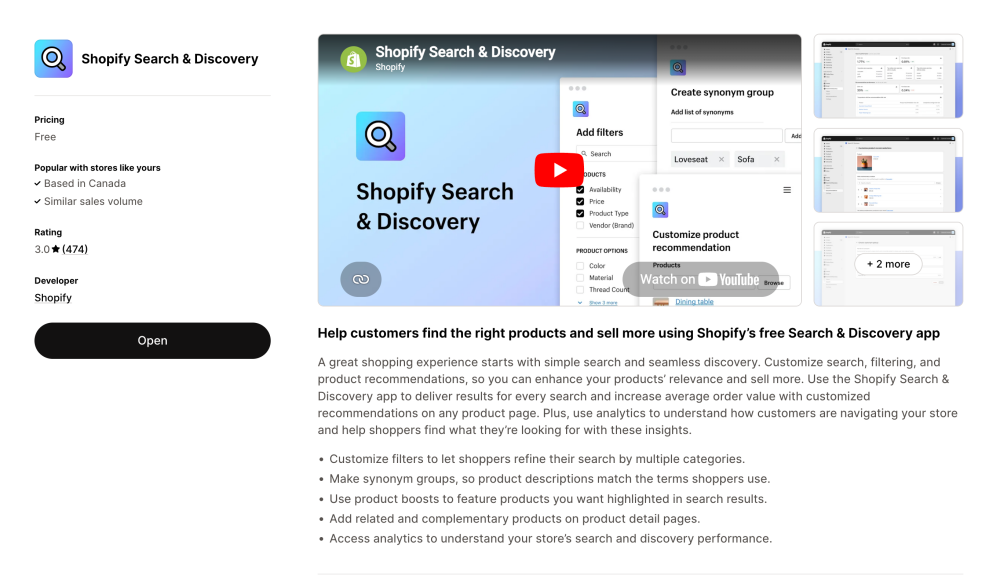
This is one of the most underrated Shopify apps to increase sales.
Search & Discovery improves how customers find products across your online store. You can customise filters, create synonym groups, and control product recommendations.
It also gives you analytics to understand how customers search and navigate. That is valuable data you can use to optimise product pages and improve SEO.
A better search experience directly impacts conversion. If customers cannot find what they want quickly, they leave.
5. Shopify Forms (lead capture and customer data)
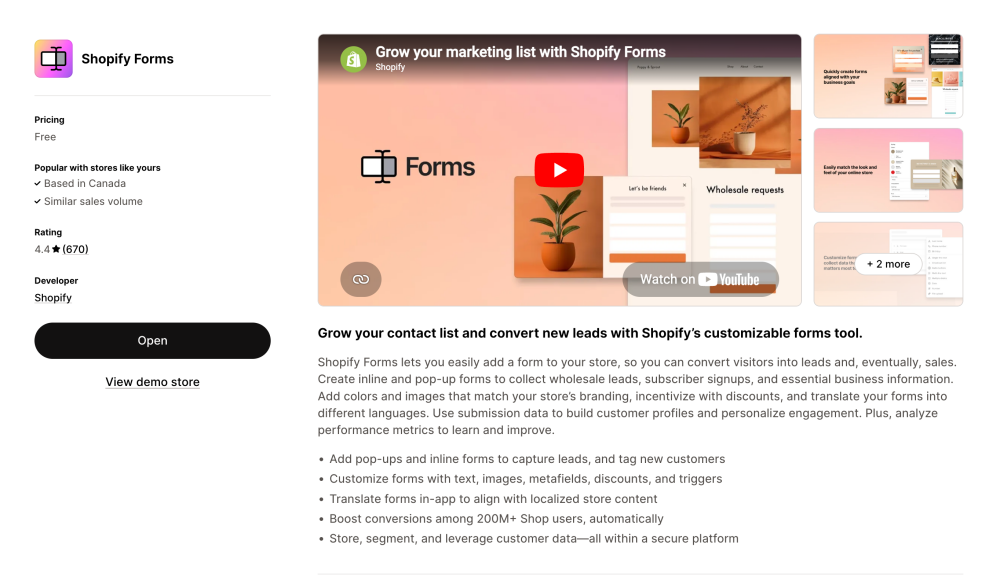
If you want to grow your ecommerce store long term, you need to build your own audience.
Shopify Forms helps you capture leads through pop-ups and embedded forms. You can collect emails, segment users, and feed that data into your email marketing strategy.
It is especially useful for small to medium brands looking to promote your store without relying entirely on paid ads.
The built-in analytics also help you make data-driven decisions about what is working.
6. GSC countdown timer (urgency and conversion optimisation)
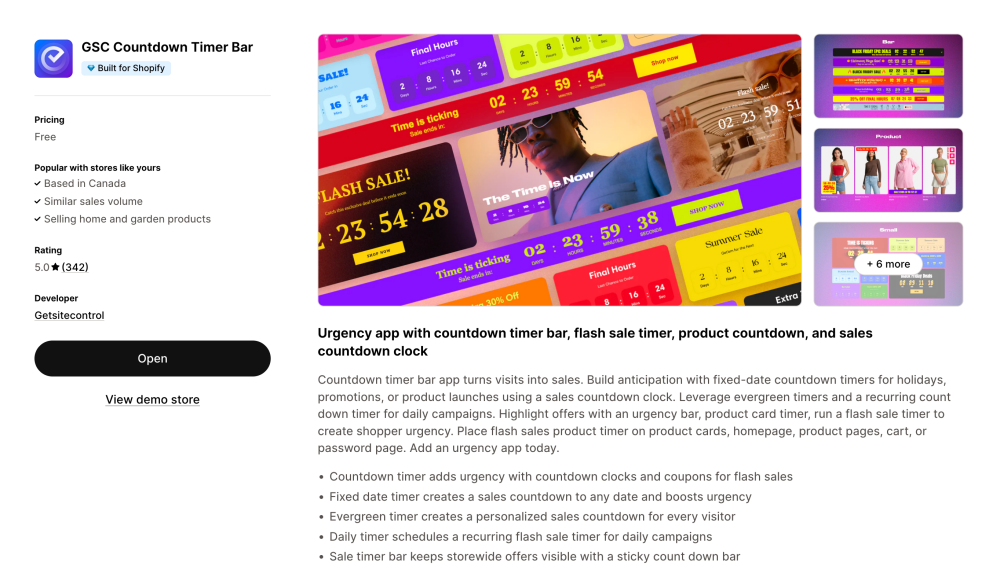
Urgency still works. It always has.
This app adds countdown timers across your Shopify store, from product pages to the homepage. You can run flash sales, daily campaigns, or product launch timers.
It is a simple app, but effective. When used properly, it helps turn browsing into buying by giving customers a reason to act now.
7. Hoppy free shipping (upsell and cart value growth)
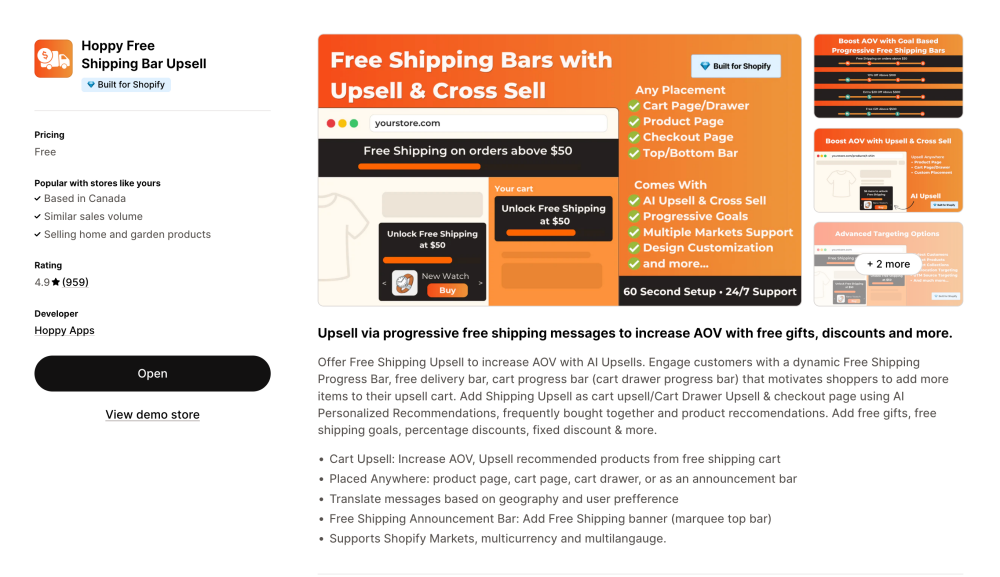
Free shipping is not just a perk. It is a strategy.
Hoppy uses a progressive bar to show customers how close they are to unlocking free shipping. This creates a natural upsell moment.
You can set a threshold for free shipping and encourage customers to add more items. It works especially well for Shopify product collections and bundles.
For most ecommerce stores, this is one of the fastest ways to boost your Shopify store revenue.
8. Klaviyo email marketing & SMS (retention and abandoned cart recovery)
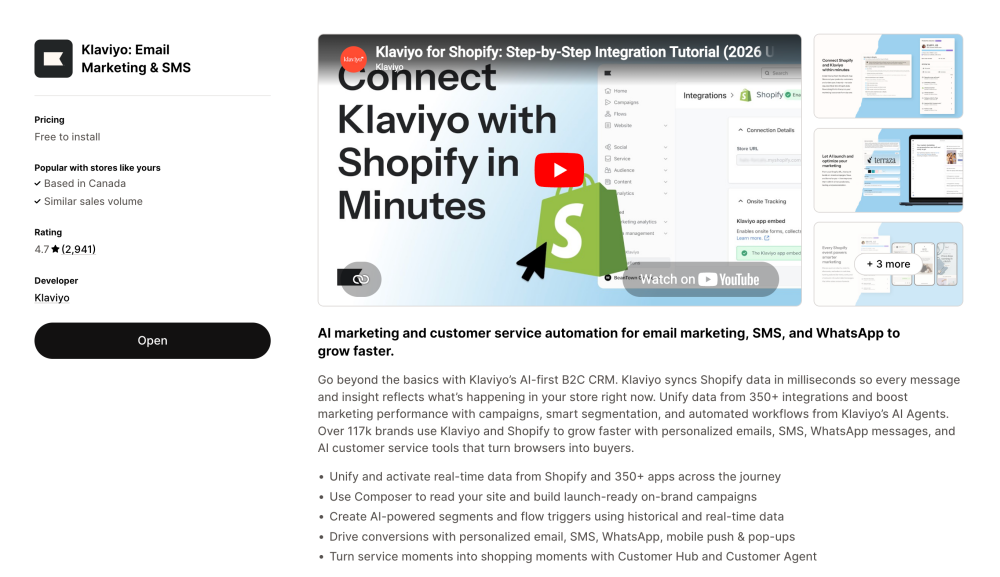
If you are serious about running a successful Shopify store, you need a proper email marketing system.
Klaviyo goes beyond basic campaigns. It uses real-time data to personalise email templates, segment customers, and automate flows.
This includes abandoned cart recovery, post-purchase emails, and SMS marketing. It also integrates deeply with your Shopify store, so every interaction is tracked.
For brands focused on customer retention and long-term growth, this is one of the best Shopify apps to increase revenue.
9. Qikify mega menu & navigation (user experience and structure)
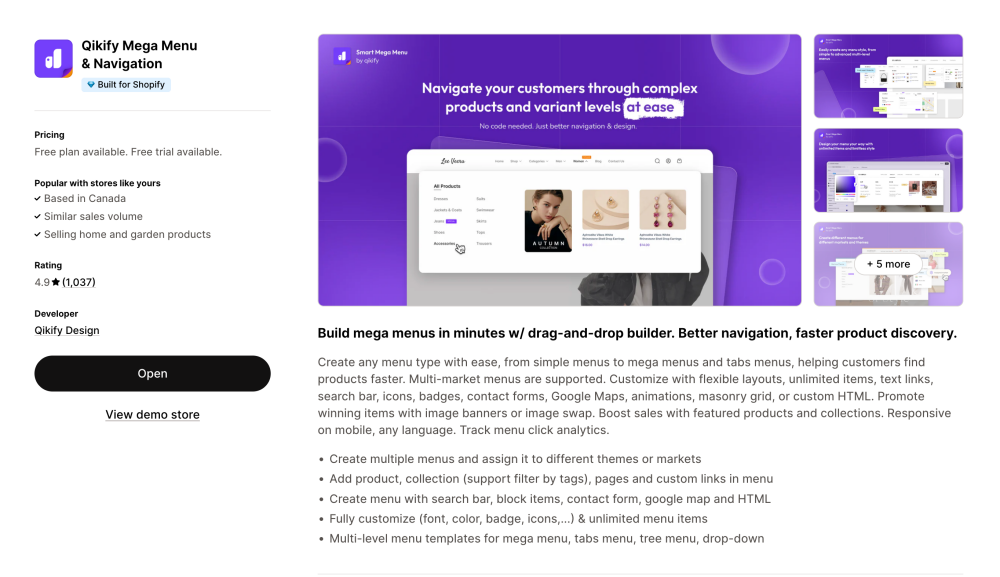
Navigation becomes critical as your catalogue grows.
Qikify helps you build advanced mega menus with drag-and-drop functionality. You can organise collections, highlight products, and improve overall site structure.
It also supports mobile optimisation, which is essential as more traffic comes from mobile devices.
A well-structured menu does more than look good. It helps customers browse faster and supports your SEO at the same time.
10. Yotpo product reviews (social proof and trust building)
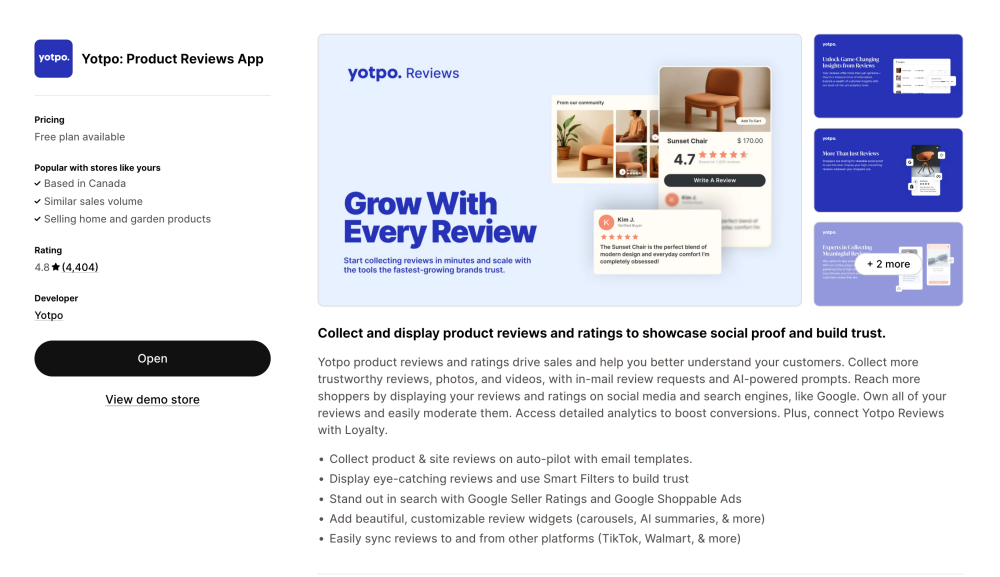
No matter how good your product is, people want proof.
Yotpo is one of the strongest review apps for collecting and displaying product review content. It supports photo and video reviews, which are far more persuasive than text alone.
It also helps you push reviews to platforms like Google, improving visibility beyond your Shopify store.
For any ecommerce business, especially in competitive niches, this is vital to ecommerce success. Trust is what turns traffic into sales.
How To Choose The Best Shopify Apps For Your Business
This is where most Shopify store owners go wrong. They install too many apps without a clear strategy. I have seen stores with 20+ apps, half of which do nothing useful.
Choosing the best Shopify apps is less about quantity and more about building a focused system that supports your growth.
Match apps to your growth stage
If you are just starting your online business, focus on the fundamentals. You need apps that help you drive sales quickly.
That usually means:
- Email marketing for abandoned cart recovery
- Reviews for trust
- Upsell tools like bundles or free shipping
As your Shopify store grows, you can layer in more advanced apps for marketing, analytics, and optimisation.
Avoid overlapping or redundant apps
One of the biggest mistakes is installing multiple apps that do the same thing.
For example, using two different upsell apps or multiple review apps. This slows down your store and creates conflicts. Site speed directly impacts conversion and SEO performance.
Keep your stack lean. Every app should have a clear role in your marketing strategy.
Build an all-in-one marketing stack
Instead of chasing every new tool in the Shopify App Store, focus on building a simple system.
A strong setup usually includes:
- Email marketing and SMS for retention
- Review apps for social proof
- Upsell tools to increase order value
- Navigation and search tools to optimise the user journey
This creates an all-in-one marketing approach without relying on a single platform. It is how you move from a basic Shopify store to a scalable ecommerce business.
Think beyond free vs paid
Free Shopify apps are a great starting point. But the goal is not to stay free forever.
The goal is to find what works, validate it, and then invest in tools that help you grow your ecommerce store faster. The best Shopify apps to increase sales are the ones that deliver measurable results.
If an app helps you drive sales, improve conversion, or increase customer retention, it is worth upgrading when the time comes.
Common Mistakes When Using Shopify Apps
I have audited a lot of Shopify stores over the years, and most of them are not struggling because they lack tools. They are struggling because they are using the wrong ones, or using them without a clear purpose.
If you want to boost your Shopify store in 2026, avoiding these mistakes will have a bigger impact than installing another app.
Installing too many apps without a clear role
This is the most common issue I see, especially with new Shopify merchants. The Shopify App Store makes it easy to install apps quickly, but that does not mean you should.
Every app should solve a specific problem in your ecommerce store. If it does not directly improve sales performance, customer experience, or order fulfilment, it probably does not belong there.
A cluttered Shopify store with apps on the Shopify app ecosystem often leads to slower performance and a confusing customer journey.
Chasing features instead of results
Many store owners get distracted by features and tools. They install apps because they look impressive, not because they drive sales.
What matters is simple. Does the app help you:
- Increase sales
- Improve conversion
- Retain customers
If the answer is unclear, it is not contributing to a successful Shopify store.
Ignoring how apps impact your marketing strategy
Apps should support your overall marketing platform, not replace it.
For example, installing multiple apps for marketing without a clear structure leads to fragmented data. You end up with disconnected email templates, inconsistent messaging, and poor customer tracking.
The best Shopify apps to increase revenue are the ones that work together as part of a system.
Not reviewing performance regularly
Most store owners install apps and forget about them.
You should be reviewing your apps monthly. Look at analytics, conversion rates, and how each tool contributes to your online store. This is how you make data-driven decisions and continuously improve.
SEO And Performance Considerations For Shopify Apps
This is something many guides skip, but it matters more than people think. The way your Shopify apps are set up can directly affect your SEO, site speed, and overall user experience.
If your store is slow, it does not matter how good your products are. You will lose sales.
How apps impact site speed and SEO
Every app you install adds scripts to your Shopify store. Some are lightweight, but others can significantly slow down your pages.
Even a one-second delay in load time can reduce conversions by up to 7%.
From an SEO perspective, Google prioritises fast, user-friendly sites. A slow ecommerce store will struggle to rank, no matter how strong your search engine optimisation strategy is.
Best practices for optimisation
You do not need to avoid apps. You just need to use them properly.
Here is what I recommend:
- Remove apps you are not actively using
- Test site speed after installing any new app
- Prioritise native Shopify features where possible
- Avoid overlapping tools that load duplicate scripts
Simple steps like these can make a noticeable difference to your store’s performance.
Using apps to support Shopify SEO
The right apps can actually improve your SEO when used correctly.
For example:
- Navigation apps improve site structure
- Review apps add fresh, user-generated content
- Search tools improve internal linking and product discovery
You can also use tools like Plug in SEO to identify technical issues. Combined with strong product pages, this creates a solid foundation for long-term organic growth.
When To Upgrade From Free To Paid Shopify Apps
Free Shopify apps are a great starting point. I recommend them to almost every client in the early stages. But there comes a point where staying on a free plan starts to hold you back.
The goal is not to stay free. The goal is to grow your store.
Signs your store has outgrown free apps
You will usually notice a few clear signals:
- You hit usage limits on your free plan
- You need more advanced automation or features
- Your traffic and order volume are increasing
For example, email marketing tools often restrict flows or contacts on the free version. Upgrading unlocks more advanced segmentation, which directly impacts customer retention.
Understanding free vs premium value
There is a big difference between free and premium apps, but it is not just about features.
It is about outcomes.
A paid plan should help you:
- Drive more revenue
- Improve conversion rates
- Save time through automation
Many apps offer a 14-day free trial, which is enough to test whether the upgrade is worth it.
Investing in the right tools at the right time
I always tell Shopify store owners this: do not upgrade everything at once.
Start with the apps that directly impact revenue. That usually includes email marketing, upsell tools, and customer experience apps.
As your ecommerce business grows, you can expand your stack with more advanced apps for 2026, including analytics, design tools, and order fulfilment optimisation.
Ready To Build A Smarter Shopify Store In 2026?
If there is one thing I have learned working with high-growth brands, it is this. The best Shopify apps are only as effective as the strategy behind them.
You do not need dozens of tools to run a successful Shopify store. You need the right combination of free and premium apps that actually help you grow your store and improve sales performance.
If you are unsure where to start or feel like your Shopify store with apps is not performing as it should, this is exactly where we can help.
At Webfuel Digital, we work closely with Shopify merchants to build scalable systems that boost your Shopify store and support long-term growth. From selecting the right apps to optimising your entire ecommerce setup, we focus on what actually drives results.
If you want to increase sales in 2026 and build a stronger online business, feel free to reach out. We are always happy to take a look at your store and point you in the right direction.